Romaji Typing
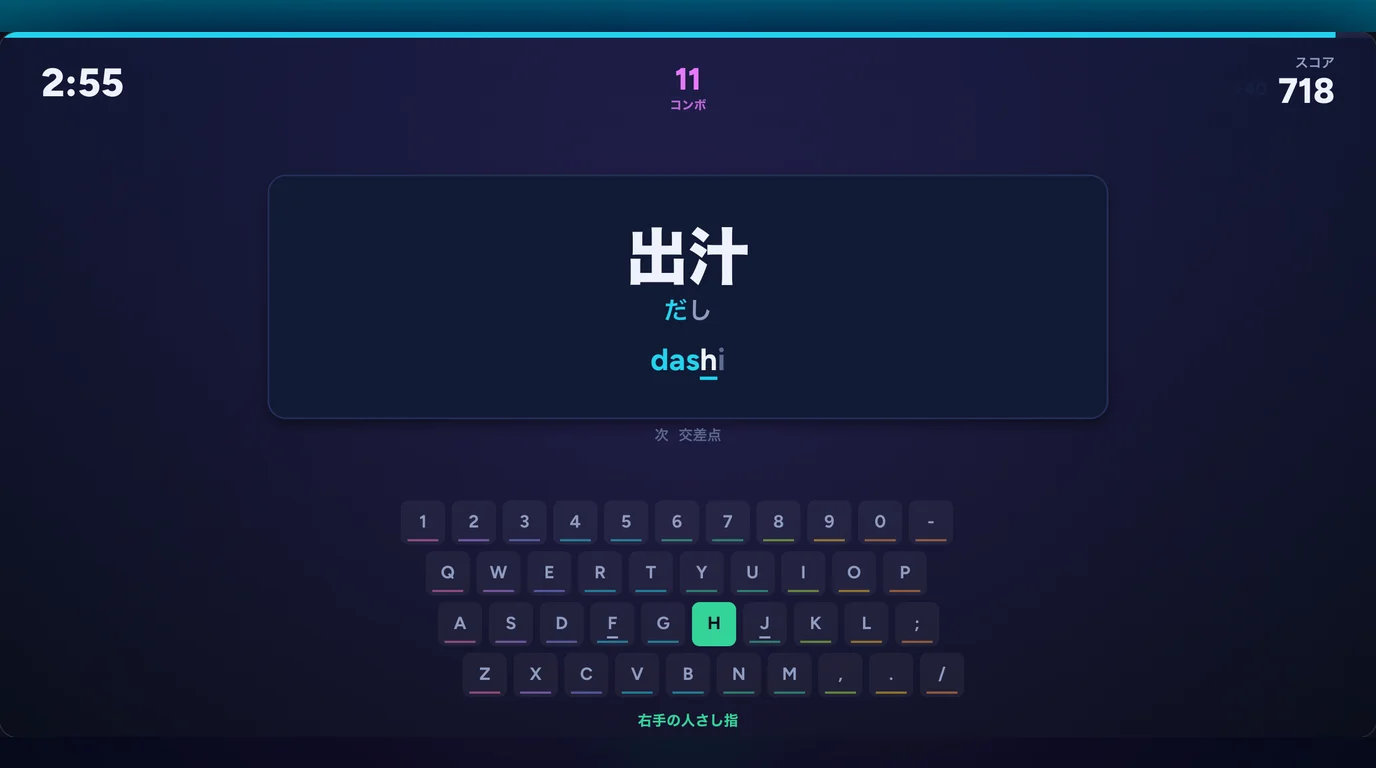
Japanese typing practice in romaji, free in your browser. A Japanese word appears with its kana reading and you type it in romaji before the clock runs out. Pick a 1, 3 or 5 minute course, build combos and see your accuracy and keys per second.
Speed
Romaji Typing
Quick start
Romaji Typing
Type the word in romaji. The guide under the kana shows one way to spell it, and other spellings work too: shi or si, tsu or tu, nn for ん. A wrong key turns the word card red and is not entered. Keep going until the time runs out. Esc goes back to the courses.
More Games
See all games


How to Play
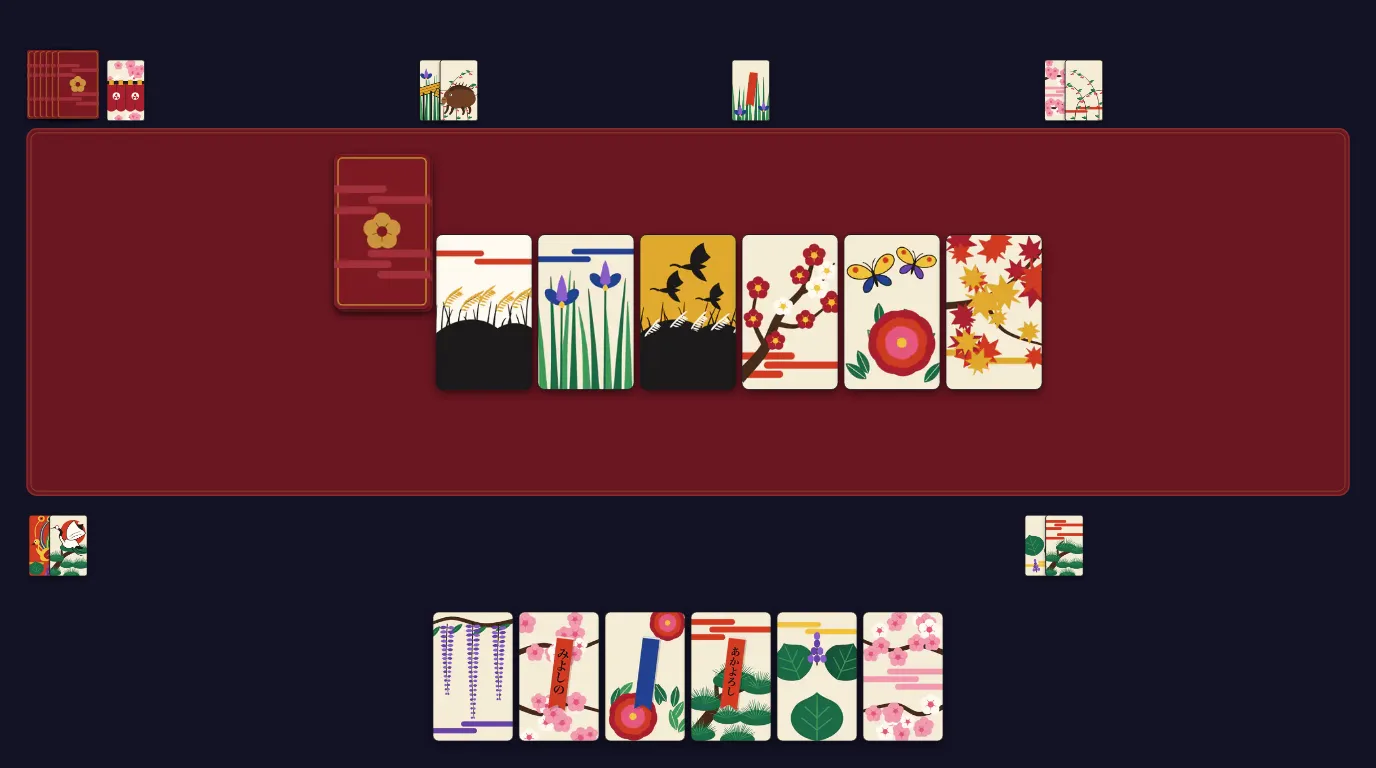
Type the word in romaji. The guide under the kana shows one way to spell it, and other spellings work too: shi or si, tsu or tu, nn for ん. A wrong key turns the word card red and is not entered. Keep going until the time runs out. Esc goes back to the courses.
Frequently Asked Questions
Where can I practice Japanese romaji typing for free?
Right here on GamingLab. Romaji Typing runs in your browser with no download and no signup. Choose a 1, 3 or 5 minute course and type Japanese words in romaji on your keyboard.
Which romaji spellings are accepted?
Both common systems work. Type shi or si, chi or ti, tsu or tu, fu or hu and ji or zi. Small ya, yu and yo can be typed together (kya, sha, ja) or alone with x or l (ki + xya).
How do I type ん and っ?
Type ん as nn. A single n also works when the next sound starts with a consonant, as in kanji. Type っ by doubling the next consonant (kitte, maccha); matcha works too. On its own, type っ as xtu or ltu.
How is the score calculated?
Each correct key is worth 10 points, plus 1 for every 10 keys in your combo, up to 20 per key. A finished word adds 5 points per kana, doubled when you typed it without a miss. A miss resets the combo.
What do accuracy and keys per second mean?
Accuracy is correct keys divided by all keys you pressed, misses included. Keys per second is correct keys divided by the time played. The grade from S to D comes from your speed, one step lower below 95% accuracy.
Is there a mode for beginners?
Yes. Turn on Beginner mode before you start. A keyboard appears at the bottom of the screen with the next key lit in the color of the finger that should press it, and the words stay short.
Can I play on a phone?
You need a physical keyboard. On a phone the page shows a notice instead of the Start button. A tablet with a keyboard attached works: press any key on it and the notice goes away.
Are my scores saved?
Your top 5 scores for each course are saved in this browser. No account is needed. Clearing the browser data also clears the scores.