Free Browser Games
Play 107 free browser games online with no downloads, no signup, and instant access to arcade, puzzle, strategy, action, and party games.
Free browser games: pick one and play
GamingLab has 107 games that open in Chrome, Safari, Edge or Firefox, all free and with no signup. They work on a PC, a laptop, a Chromebook or a phone: keyboard and mouse on a computer, touch on a phone.
To start, pick a game from the list below or use the search box at the top of the page. A game loads in a few seconds and your best score is saved in your browser, so you can come back another day and try to beat it.
Where to start: our 12 most-searched games
These are the games people find most often through search. Each one opens straight in the browser, and a round is short enough for a coffee break.
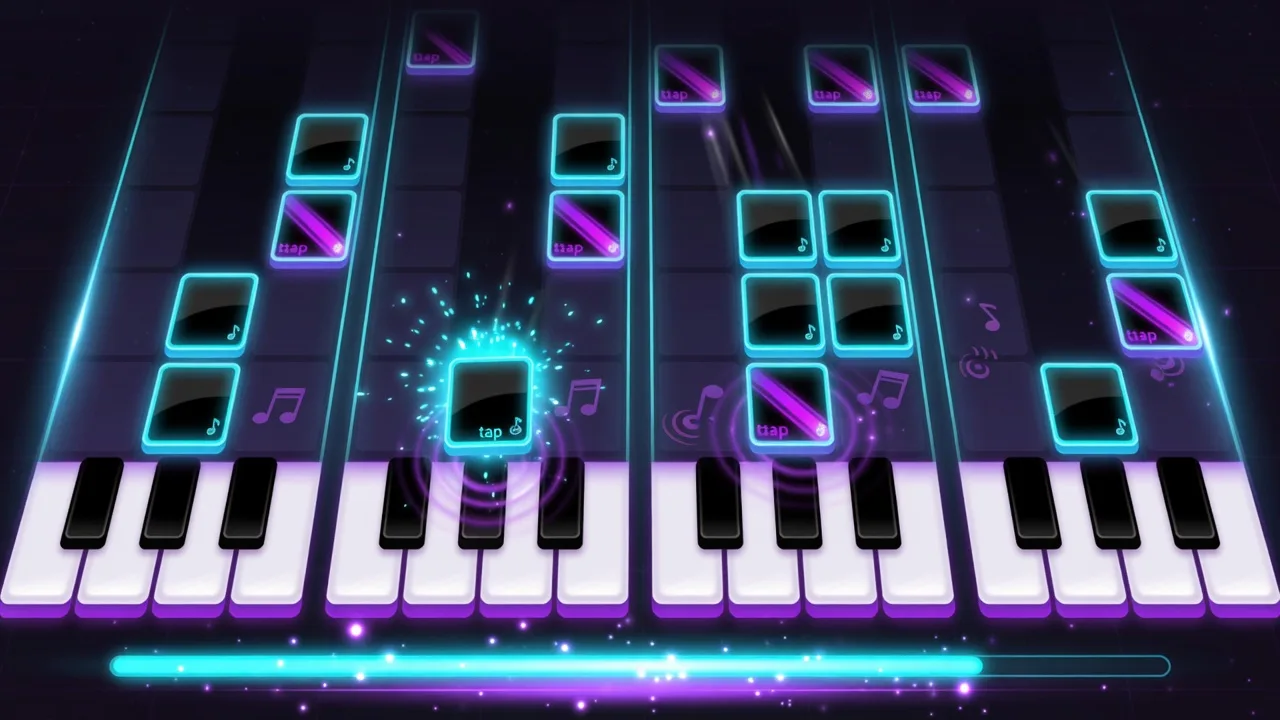 Piano TilesTap only the black tiles to one of four songs. Miss a tile or hit an empty lane and the run is over.
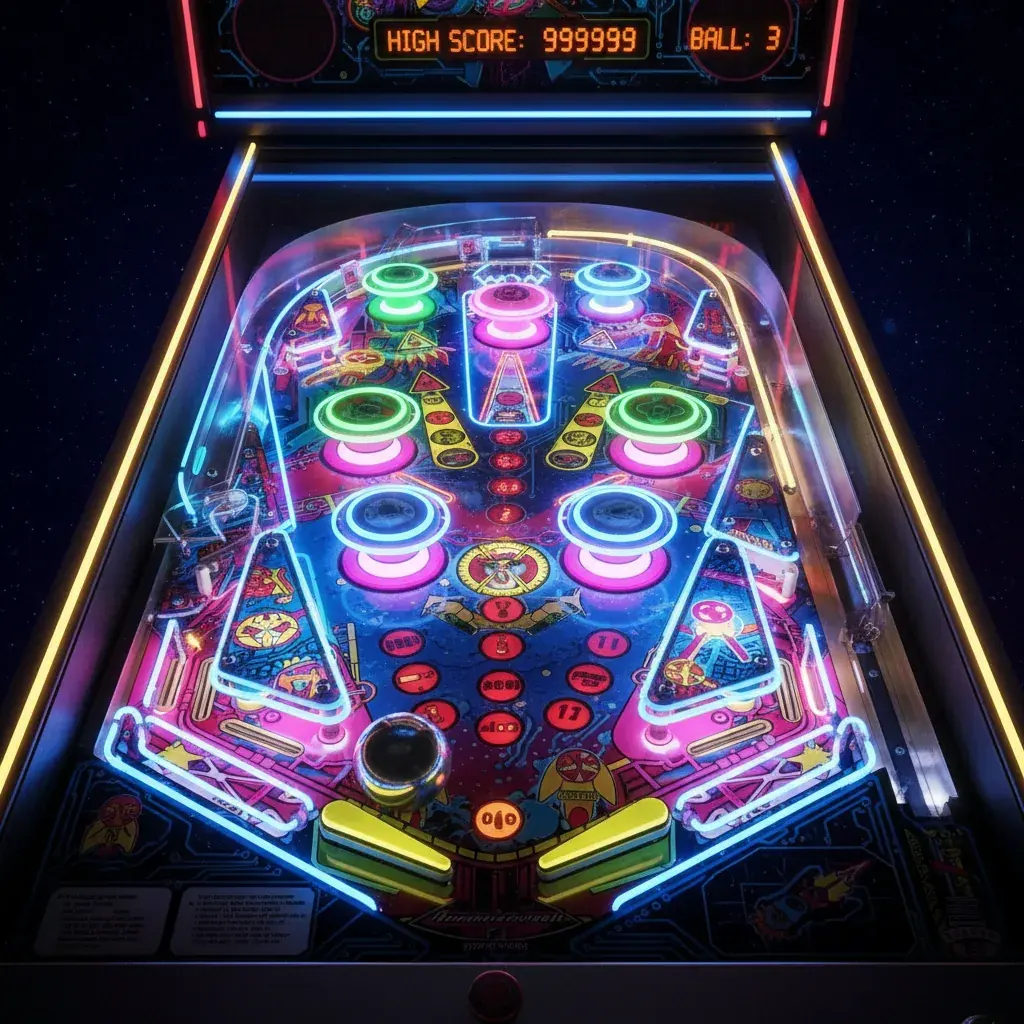 Classic PinballThree balls, two flippers and bumpers that push the multiplier up to ×4. On a phone, each half of the screen works one flipper.
 MinesweeperThe classic on 9×9, 16×16 or 30×16 boards, and your first click is always safe.
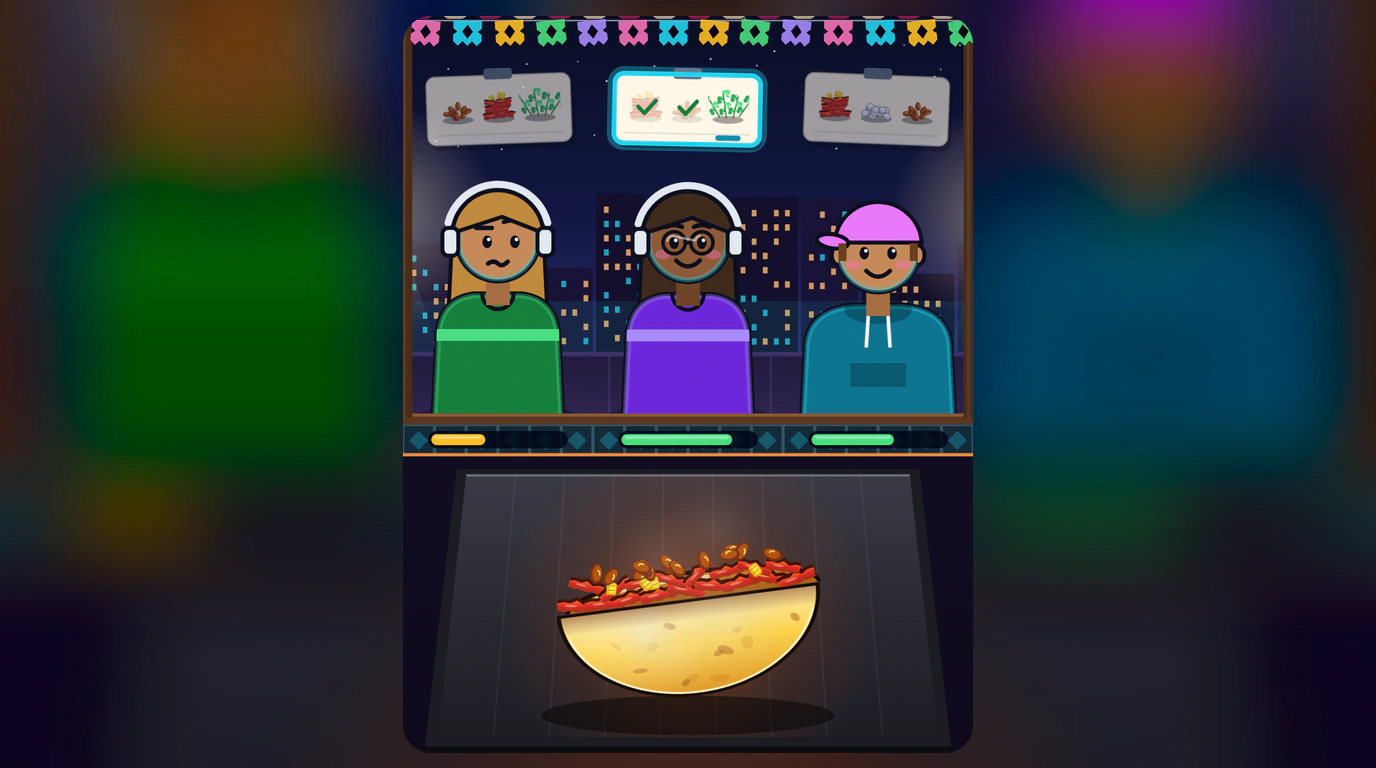 Taco RushBuild each taco in order before the customer runs out of patience. Chain perfect orders for a bigger multiplier.
 BattleshipPlace five ships on a 10×10 grid and sink the computer's fleet on three difficulty levels.
 Ludo ClassicRace four tokens to the center against three computer players, and capture anyone who lands in your way.
 Word BlitzLink neighboring letters on a 4×4 grid to find as many words as you can in 90 seconds. Longer words score more.
 Paint by NumbersEach number stands for a color. Fill the cells and reveal five pixel-art pictures, from a heart to a rocket.
 Yahtzee DiceRoll five dice up to three times a turn and fill all 13 categories. Score 63 or more in the upper section for a bonus.
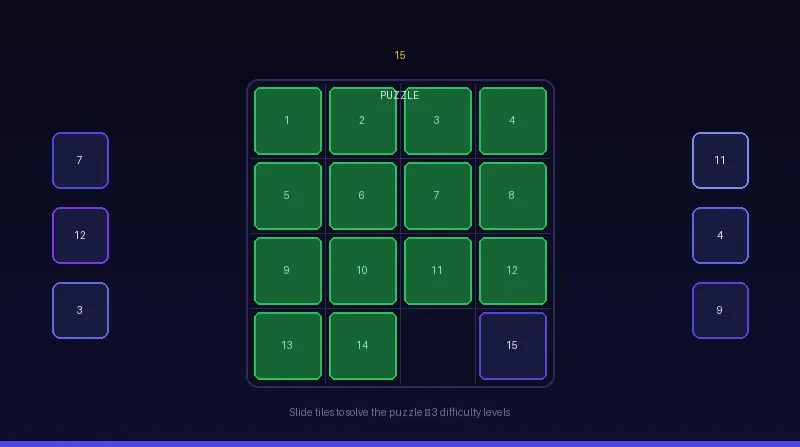 15 PuzzleSlide the tiles until 1 to 15 sit in order. Fewer moves and less time set a better record.
 Tetris NeonRotate and drop the pieces, clear lines, and use the hold slot when gravity speeds up.
 Wordle UnlimitedGuess the hidden word in six tries, with 4 to 7 letters and no daily limit on games.
What Are Browser Games?
Browser games run directly in your web browser without downloads, installations, or special software. Modern HTML5, CSS, and JavaScript make them fast, responsive, and ready to play across devices.
Why Choose Browser Games?
Instant Play
No downloads, no installations, no waiting. Open a game and start playing immediately in any modern browser.
No Storage Required
Browser games do not take up device storage, so you can play a large collection without managing app files or updates.
Universal Access
Play on desktop, tablet, mobile, or Chromebook with the same web link and touch-friendly controls where supported.
Always Updated
Updates arrive on the site automatically, so you get fixes, balance changes, and new content without manual patches.
Game Categories at GamingLab
Arcade
Quick reflex challenges with simple controls, rising difficulty, and short sessions built for replay.
Puzzle
Logic, pattern, word, and board challenges for players who like to plan, solve, and improve over time.
Speed
Fast games that test reaction time, focus, and quick decisions under pressure.
Endless
Runs with escalating difficulty that keep going until you chase one more high score.
Idle
Relaxed progression games for casual sessions, upgrades, and satisfying long-term growth.
Strategy
Tactical games where planning, positioning, and smart decisions matter more than reflexes.
Party Games
Light, social, and approachable games that are easy to share with friends or play in quick rounds.
Multiplayer
Live group games where each player joins the same room from their own phone.
The Future of Browser Gaming
Browser gaming keeps improving as web technology advances. Modern browsers support smoother graphics, faster code, gamepad APIs, and full-screen play that once required installed apps.
GamingLab focuses on fast-loading, mobile-friendly games that work across screen sizes. The catalog is curated for instant play, clear controls, and reliable performance.
Frequently Asked Questions
Are these games really free?
Yes. All games on GamingLab are free to play, supported by advertising so the catalog can stay open to everyone.
Do I need to create an account to play?
No account is required. You can start any game immediately, and some games save progress or scores locally in your browser.
Are these games safe to play?
Yes. The games run in the browser using standard web technologies, so there is no download or installer.
Can I play these games on mobile?
Yes. Most GamingLab games are built for mobile browsers with touch-friendly controls and responsive layouts.
How often are new games added?
New games and improvements are added regularly as the catalog grows.
Where can I play browser games with no download?
Right here: pick any game in the grid below and it opens straight in your browser — no download, install, or signup, on desktop or mobile.
Does a browser game work in any browser?
Yes, in any modern browser (Chrome, Edge, Firefox, Safari) on desktop or mobile. You just need an internet connection — no plugins or apps.
Do browser games use up storage or mobile data?
Nothing is installed: each game downloads when you open it, about like a web page with images, and most games use little or no data while you play. On mobile, Wi-Fi saves your data plan. Only small saves stay in your browser; a score goes to the online leaderboard only if it reaches the global top 50 and you choose Save Score.
What kinds of free browser games are on this page?
Arcade, puzzle, speed, endless, idle, strategy, party, and multiplayer. Browse the category blocks above to find your style, then pick any game card to start instantly.
Do I need a powerful computer to play browser games?
No. Most GamingLab games are light 2D games that run on a basic laptop, a Chromebook or an entry-level phone. The few 3D games use WebGL, which current browsers already include.
How is my progress saved without an account?
Your browser keeps your best scores and, in some games, the game in progress. If you clear the site's data or switch devices, that progress does not come with you.
Do browser games work offline?
You need a connection to open a game. Once it has loaded, most games barely use the network, but reloading the page or switching games needs the internet again.