Piano Tiles
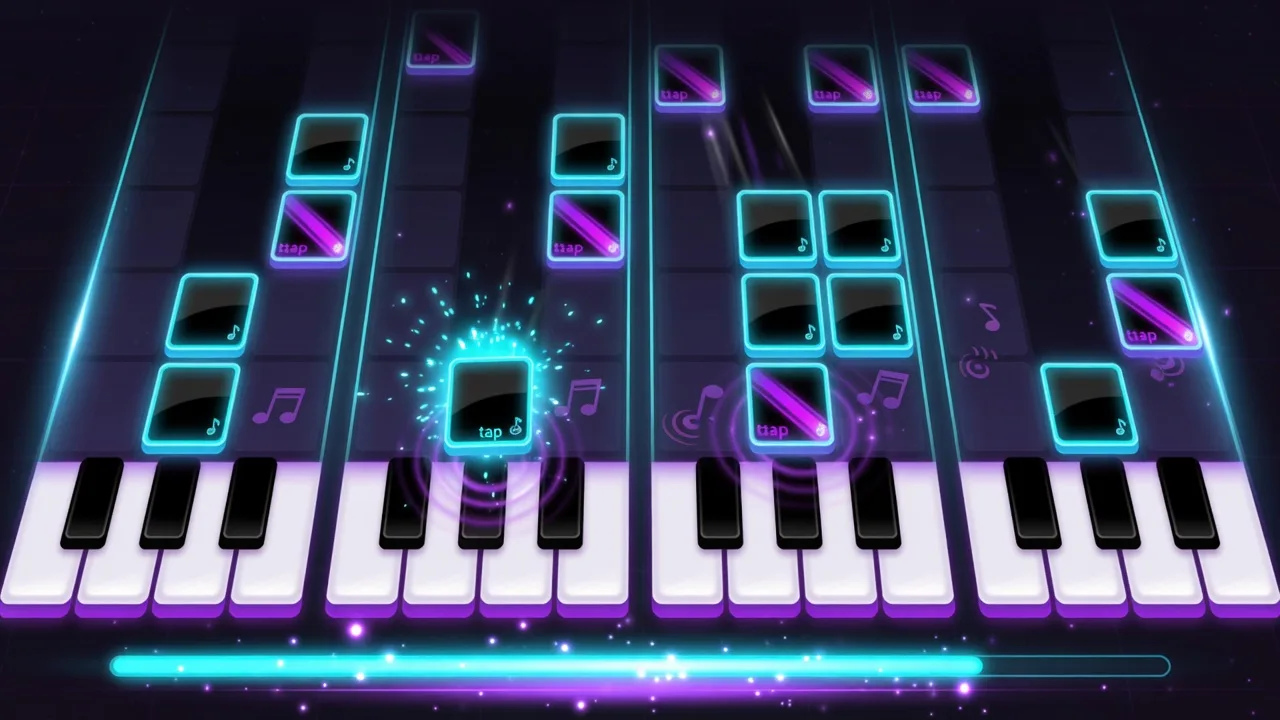
Play Piano Tiles free in your browser, no download. Choose one of four songs and tap the falling black tiles. Miss a tile or tap an empty lane and the run ends.
Arcade
Piano Tiles
More Games
See all games
📖 How to Play
Choose a song, then start with the play button or Space/Enter. Tap the black tiles before they leave the screen; on a keyboard, use D/F/J/K or 1–4 for the four lanes. Two tiles can appear together, so use two fingers or keys. A missed tile or an empty-lane tap ends the run. Afterglow is the slowest song to learn on.
❓ Frequently Asked Questions
Where can I play Piano Tiles online free with no download?
Right here on GamingLab. This free Piano Tiles game runs in your browser — no app, no signup. Four lanes of falling black tiles: tap only black tiles (or keys 1–4 / D-F-J-K). Miss a tile or tap empty space and the run ends. After score 8, dual tiles can appear.
How do I play with touch or a keyboard?
Tap the black tiles on a touchscreen; multi-touch lets you hit two lanes together. On a keyboard, D/F/J/K or 1–4 run from the left lane to the right. Space or Enter starts from the song menu. After a mistake, use the page’s restart button.
Is Piano Tiles free with no download?
Yes. This is a free HTML5 browser Piano Tiles game on GamingLab. No app install, no signup wall. Your best score is stored locally in the browser on this device.
How does scoring and combo work?
Each correct black-tile hit adds points from your current combo streak: 1 point below 10x, 2 points from 10x–19x, and 3 points at 20x+. Missing a tile or tapping empty space ends the run and resets the streak. Higher score and combo also raise fall speed and spawn rate.
Any high-score tip for mobile Piano Tiles?
Watch one tile ahead, keep thumbs centered over the middle lanes, and prefer deliberate hits over panic empty taps when speed ramps. When dual tiles spawn, use two fingers instead of sliding late. Restart instantly after a miss to rebuild combo rhythm.
When do dual tiles appear?
After your score passes 8, the game sometimes (~18%) spawns a second tile in a different lane. Use multi-touch or two keys so both get hit — missing either tile ends the run. Early runs stay single-tile; mid-run is when two-finger prep matters.
What exactly ends a Piano Tiles run?
Only two fail states: (1) tapping a lane with no black tile (empty/white hit), or (2) letting a black tile fully leave the bottom of the screen. Either ends the run and resets combo. Visible black tiles can be hit anywhere on their body while still on screen.
How do speed and best-score saving work?
Fall speed scales with score and combo (with a hard cap), and spawn interval shortens toward about 0.28s. Best score is saved only in this browser’s local storage — no cloud sync or account. Switching device or browser means a separate best.
Which devices and browsers can I play Piano Tiles on?
All of them. This is a browser HTML5 game, so any recent browser works: iPhone/iPad (Safari), Android (Chrome), and desktop (Chrome, Edge, Firefox) — no install needed. Use your finger on touch screens, or keys 1–4 / D-F-J-K (also A/S and L) on a keyboard.
Is Piano Tiles easy for kids or beginners?
Yes — the only action is tapping black tiles as they fall, so most players understand it in seconds. The game starts slow and difficulty rises gradually with score and combo, giving beginners a gentle warm-up. Dual tiles only appear after your score passes 8.
Are there more free mobile browser games like Piano Tiles?
Yes. The row under this game links Beat Drum, Classic Pinball, Snake Classic, and Helix Drop, still with no download. Yahtzee Dice and Ludo are on the Mobile Games page linked from here.
Is there a Piano Tiles app or any download version?
No. There is no app and nothing to download — Piano Tiles runs directly in the browser as HTML5, so you can play right away on this page. Your best score is saved only in this browser on this device; there is no cloud account.
Can I play Piano Tiles unblocked at school or work?
On any school or work computer with a modern browser, yes — nothing installs, so you need no admin rights and no account; the whole game runs on this page. If your network itself blocks gaming sites, that block is on the network side, not something this game can change.
How many songs are included, and can I choose one?
Four built-in tracks: Afterglow (76 BPM), Cyan Waltz (100), Neon Nocturne (120), and Midnight Drive (132). Pick one from the song menu before you start — slower BPM means wider spacing between notes, so Afterglow is the gentlest warm-up. Each song keeps its own best score, saved only in this browser.