Sudoku Classic
Play free Sudoku online: endless unique puzzles in four levels (Easy to Expert), pencil notes, undo, hints and autosave. No download.
Sudoku Classic
Play free Sudoku online: endless unique puzzles in four levels (Easy to Expert), pencil notes, undo, hints and autosave. No download.

Quick start
Sudoku Classic
Tap a cell, then tap 1-9. Turn on Notes to pencil in candidates. Wrong digits turn red and count as mistakes; 3 mistakes end the game. Your game saves itself, so you can come back later.
More Games
See all games

How to Play
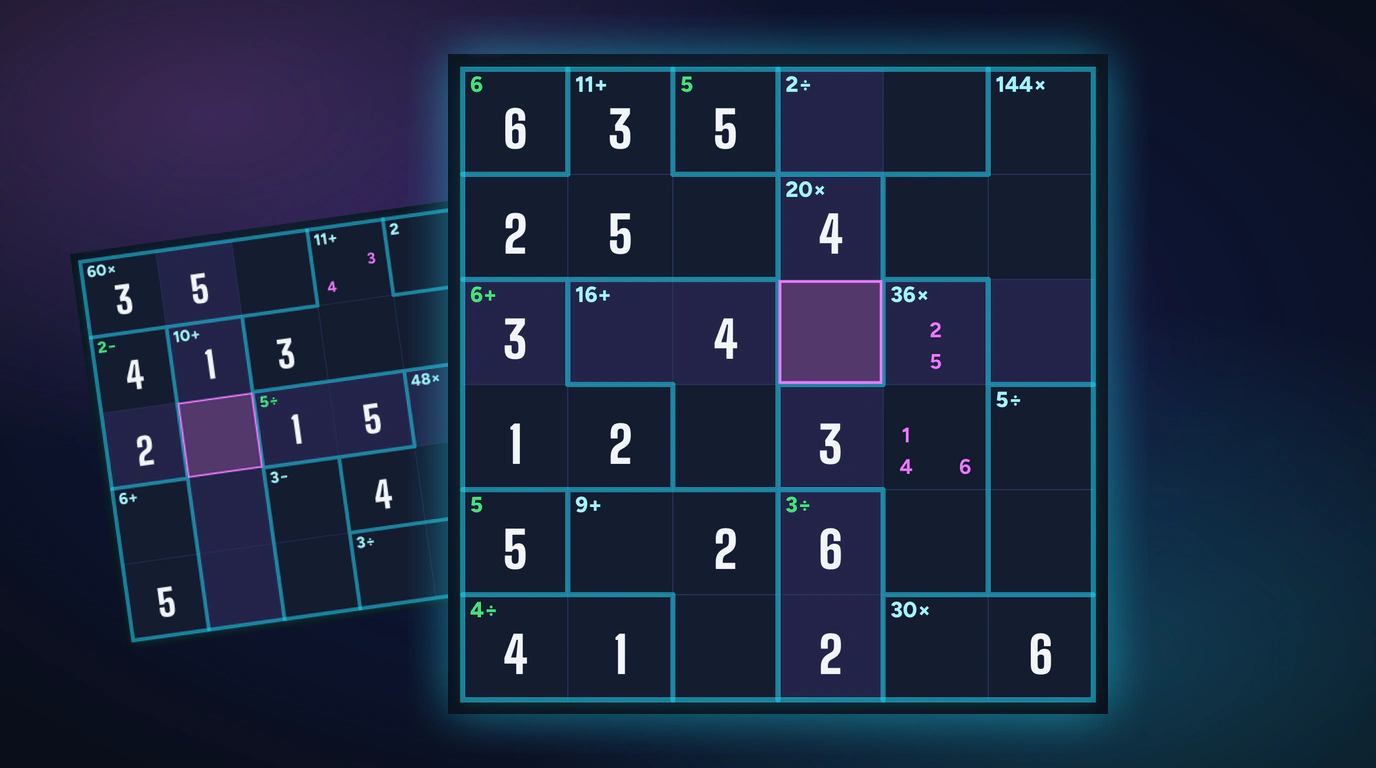
Tap a cell, then tap 1-9. Turn on Notes to pencil in candidates. Wrong digits turn red and count as mistakes; 3 mistakes end the game. Your game saves itself, so you can come back later.
Frequently Asked Questions
How does scoring work in Sudoku Classic?
Each level has a base score: Easy 1000, Medium 2000, Hard 3500 and Expert 5000. Every second costs 2 points, every mistake 150 and every hint 200. The minimum is 100.
What happens when I make a mistake?
The wrong digit stays on the board in red and counts as one mistake. Three mistakes end the game. You can erase or undo the digit, but the mistake still counts.
What difficulty levels are available in Sudoku?
Four: Easy (36-40 clues), Medium (30-35), Hard (26-30) and Expert (22-26). Every game generates a new puzzle with exactly one solution, so you never replay the same board.
How do I enter numbers — tap, keypad, or keyboard?
Tap a cell, then tap the on-screen keypad, or type 1-9 on a computer keyboard. Arrow keys or WASD move the selection, Backspace or 0 clears a cell, Z undoes and H gives a hint.
Does the game save my progress? Can I pause?
Yes. The game saves after every move, and the menu offers Continue with the difficulty and clock you left. The pause button (or P) hides the board, and the game pauses on its own when you switch tabs.
How do hints work?
You get 3 hints per puzzle. A hint fills the selected cell, or the empty cell with the fewest possible digits, with the correct digit and adds 30 seconds to your clock. Each hint also costs 200 points at the end.
Are there pencil notes?
Yes. Turn on Notes (or press N) and tap candidates 1-9 in the selected cell. Placing a correct digit clears that candidate from its row, column and box automatically.
What are the best Sudoku strategies for beginners?
Scan each row, column and 3x3 box for a digit that fits one cell only, and fill those first. Each placed digit unlocks more. Pencil notes track candidates so you never count the same cell twice.
Can I erase or undo a number after placing it?
Yes: Erase clears a cell and Undo takes back your last moves. Undo never refunds mistakes you already made, so check the row, column and box before you commit a digit.