Battleship
Play Battleship online free in your browser, no download. Place five ships on a 10×10 grid and hunt the computer’s fleet across three difficulties.
Strategy
Battleship
Quick start
Battleship
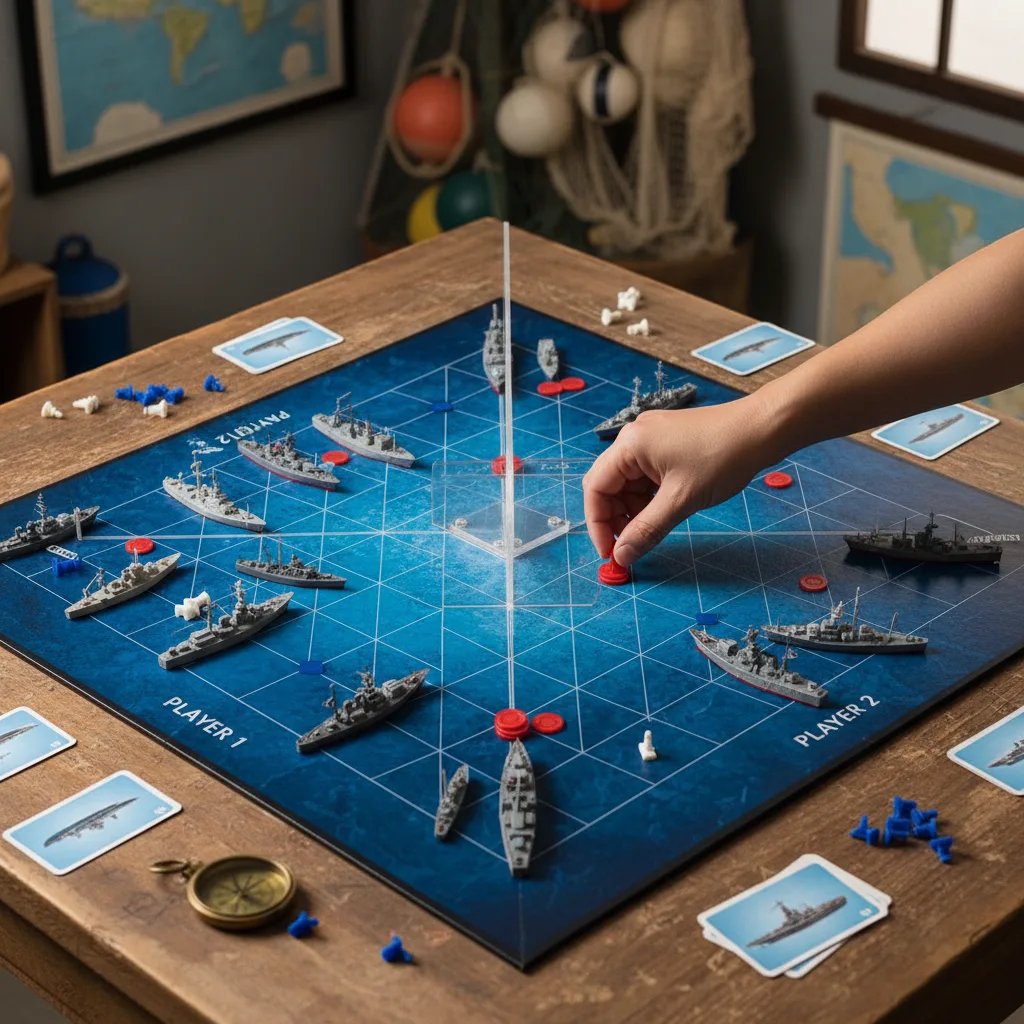
Choose a difficulty and place five ships on your grid. Rotate changes their direction; Auto-Place arranges the fleet for you. Ships must not touch, even at corners. Start the battle, then tap an untried cell on the enemy grid to fire. Take turns with the computer and sink all five enemy ships before it sinks yours.
More Games
See all games
How to Play
Choose a difficulty and place five ships on your grid. Rotate changes their direction; Auto-Place arranges the fleet for you. Ships must not touch, even at corners. Start the battle, then tap an untried cell on the enemy grid to fire. Take turns with the computer and sink all five enemy ships before it sinks yours.
Battleship: sink the fleet with less luck, more logic
Battleship on a 10×10 grid against a smart AI opponent. Every hit earns 50 points and a win pays a 1,000-point base — but the real reward is deduction: read the pattern of hits and misses to hunt the hidden fleet with the fewest shots. Three difficulty levels keep it fair.
Battleship hunting tips
- After a hit, probe the four neighbors before guessing anywhere else — a ship is always adjacent in a straight line.
- Count the fleet: 5, 4, 3, 3, 2. A diagonal of misses tells you where ships cannot possibly fit.
- Use parity: on a 10×10 board, checkerboard shooting finds ships faster than random guesses.
A strategy session fit
Each battle takes a few focused minutes. When the fleet is sunk, Chess Arena and Go Game keep the deduction muscles warm.
Features
- 10×10 naval grid with hit, miss and sink feedback
- AI with fair ship placement and three difficulty levels
Frequently Asked Questions
How do I place my ships in Battleship?
In the placement phase, tap the grid to place each ship. Use the Rotate button to switch between horizontal and vertical orientation. You can also tap Auto-Place to let the game arrange all your ships automatically. Ships cannot touch each other.
How does the AI difficulty work in Battleship?
Easy uses random shots. Medium uses hunt-and-target strategy — once it hits a ship it fires at adjacent cells. Hard uses probability density maps to calculate the most likely cell containing a ship and fires there.
How is the score calculated in Battleship?
Each hit scores 50 points. Sinking a ship scores 100 for the 2-cell Destroyer, 200 for 3-cell ships, 300 for the 4-cell Battleship, and 500 for the 5-cell Carrier. Winning a match adds 1,000 points, and the difficulty multiplier applies: easy ×1, medium ×2, hard ×3.
How many ships are there and what sizes?
Five ships on a 10×10 grid: Carrier (5 cells), Battleship (4), Cruiser (3), Submarine (3), and Destroyer (2). Sink all five to win the match.
Is Battleship free to play online?
Yes — completely free with no downloads or sign-up required. Battleship runs entirely in your browser on desktop, tablet, and mobile with smooth canvas rendering.
Can two players play Battleship on this site?
No. Solo vs AI on a 10×10 grid. Ships cannot touch (even diagonally). You place, then alternate shots. Easy random, Medium hunt-and-target, Hard probability map. Free in the browser, no download.
Does the difficulty multiplier apply to hits as well as the win bonus?
Yes. Hits are 50×mult, sinks 100/200/300/500×mult by ship size (2/3/4/5), and a win is 1,000×mult (Easy 1, Medium 2, Hard 3). Misses score 0.
Why do cells around a sunk ship turn into misses?
Because ships can never touch each other — not even diagonally. When you sink a ship, the game auto-marks every empty neighbor cell as a miss so you never waste a shot there. Use the freed information to narrow down where the remaining ships must fit.
What is a useful search strategy in Battleship?
Search on alternating squares until you find a ship, then test neighboring cells horizontally and vertically to find its direction. Follow that line until the ship sinks. The game marks empty cells around a sunk ship because ships cannot touch, so spend your next shot elsewhere.